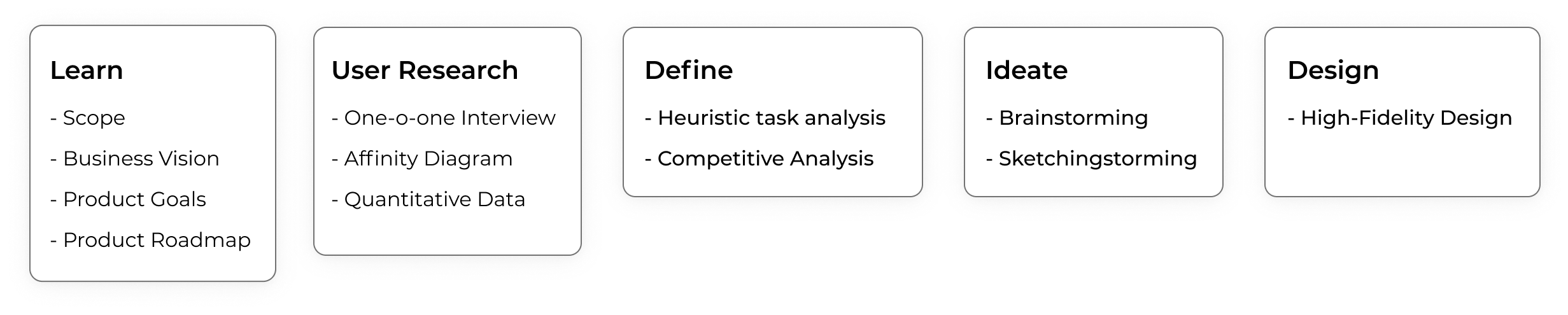
DESIGN THINKING PROCESS
One-on-one Interview
To know what the user thinks about the topic in questions.
Interview provided me data and information about the Loan Process in Bank (Physical) by Users and Bank Managers, their empathy and expectations. Research is the desire to expose the human part of the story.
When a person enters into Bank for the Loan
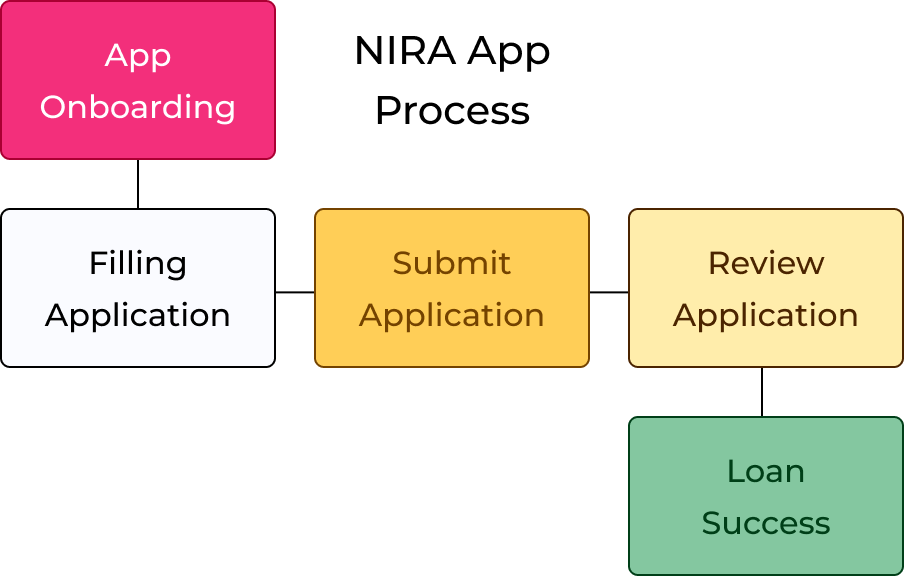
Explore Bank > Talk and Understand the Process for Loan with Manager > Fill Application Form > Verification Process > Loan Audit > Loan Transfer
Card sorting
To know about the user’s mental model and create an information architecture.
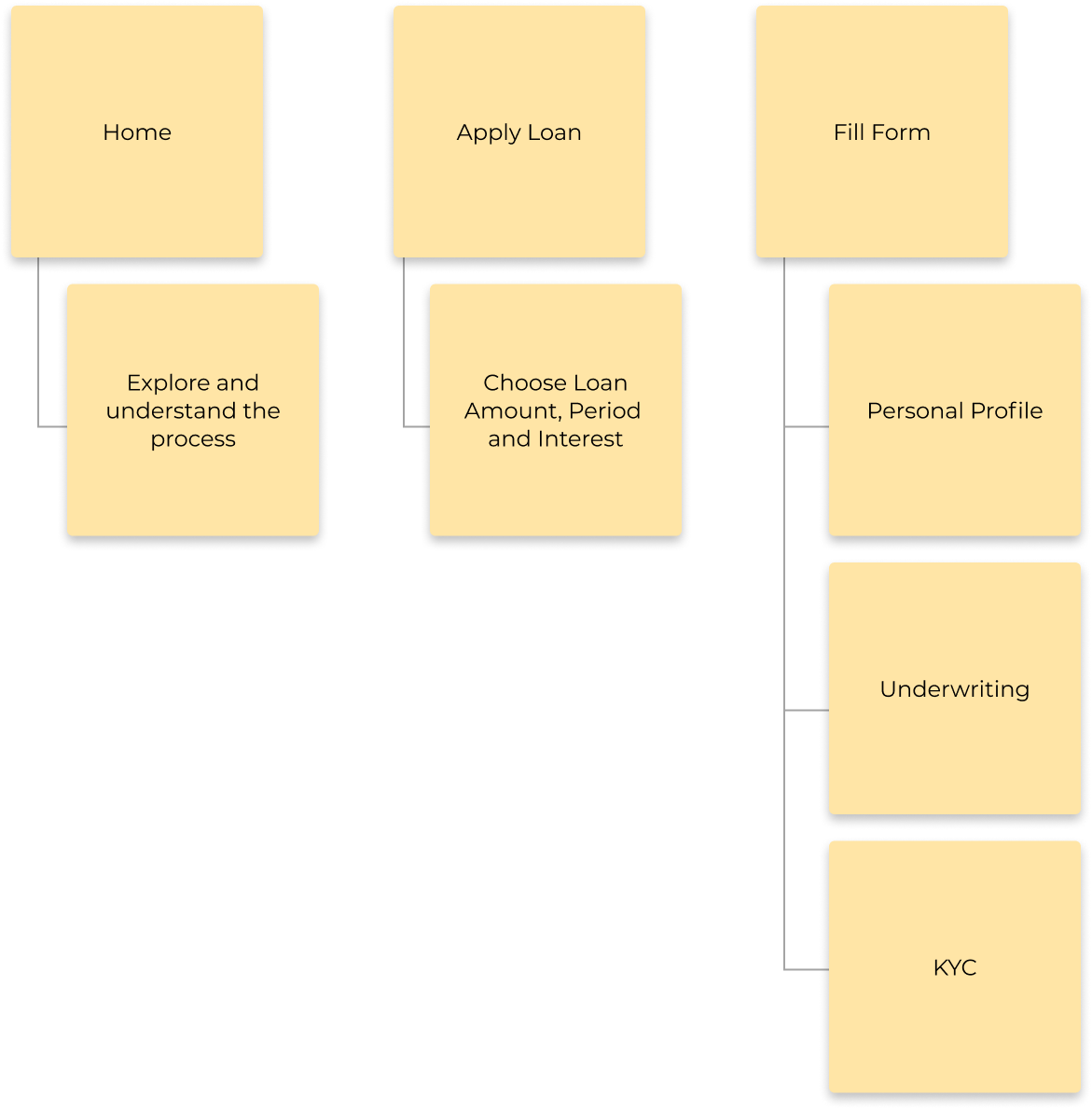
Heuristic task analysis
Heuristic Analysis is an inspection methodology to evaluate an application using several evaluation criteria based on broad set rules of thumb and not necessarily specific usability guidelines.
Competitive analysis
Heuristic Analysis is an inspection methodology to evaluate an application using several evaluation criteria based on broad set rules of thumb and not necessarily specific usability guidelines.
- Decided on the key business objective behind the product
- Identified the UX factors that will help to achieve the key objective
- User reviews & customers support
- Design
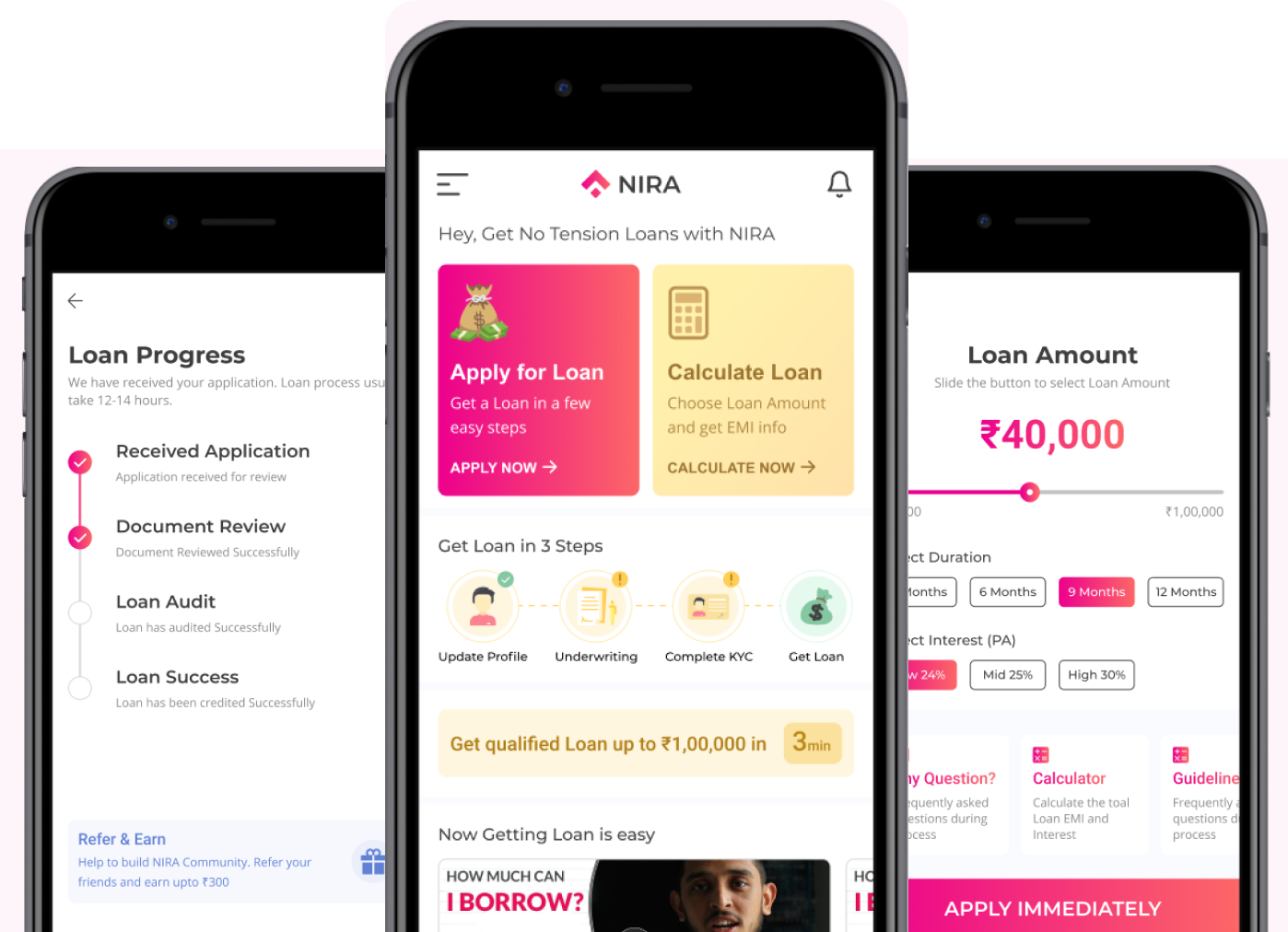
Final High-Fidelity Design

Conclusion
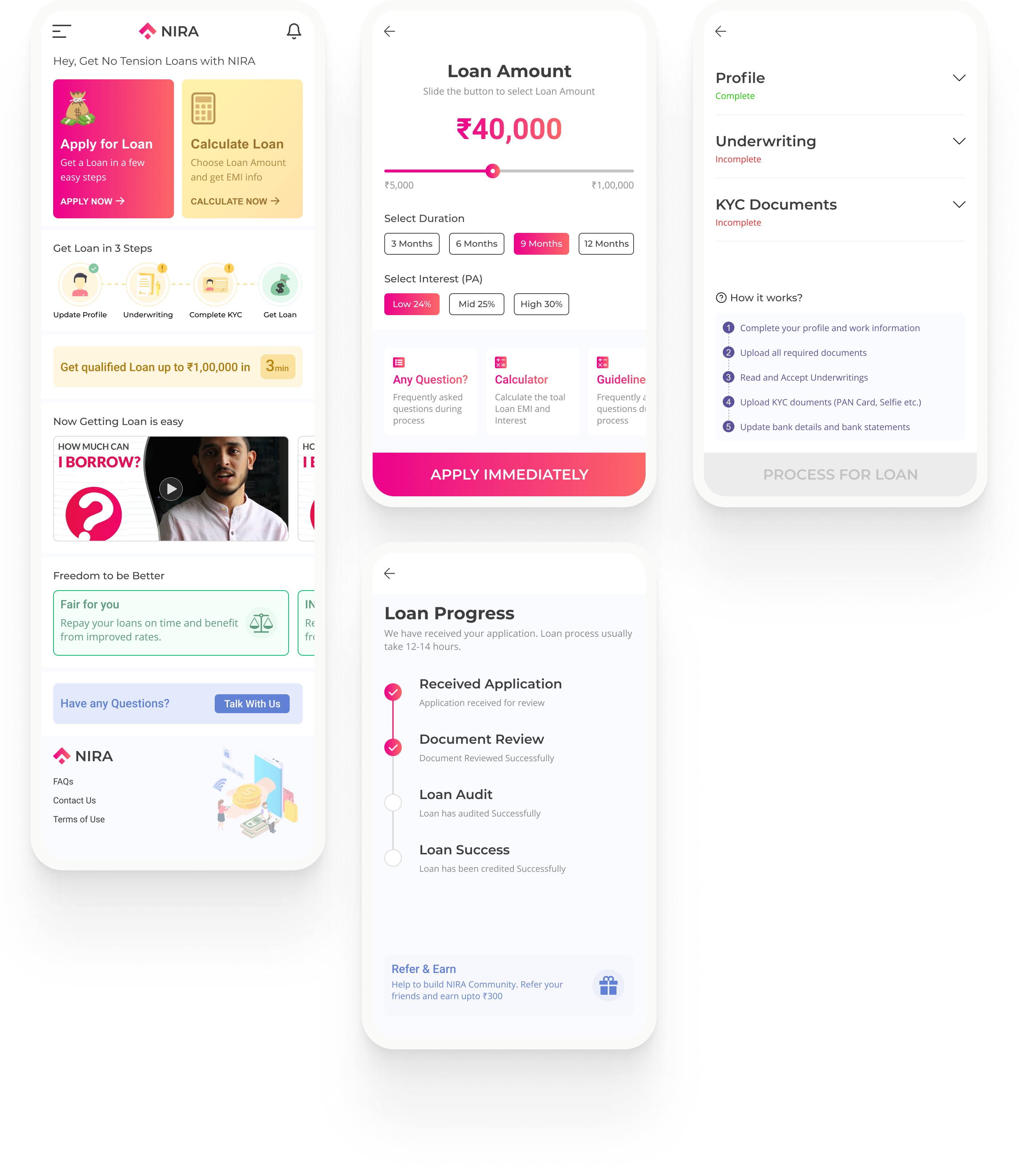
1. Home Page - A application should connect their experience & process with the real world. Through home page giving the user the freedom to navigate and perform actions. It’s always better to suggest the user a set of options than to let the user remember and understand the whole thing. The goal is to minimize the application of user memory. This idea can reduce drop-off in the application.
2. Progress Page - When the user submits the application, he/she needs to wait until the application passes and Loan Transferred. Depending on process time. There is no way for the user to know if at what stage his/her application procced till now.
Users should know what’s going on inside the system. We need to give feedback on his/her action within a reasonable time. This feedback is normally associated with points of action and can be provided using a step status indicator.
Final Design Design